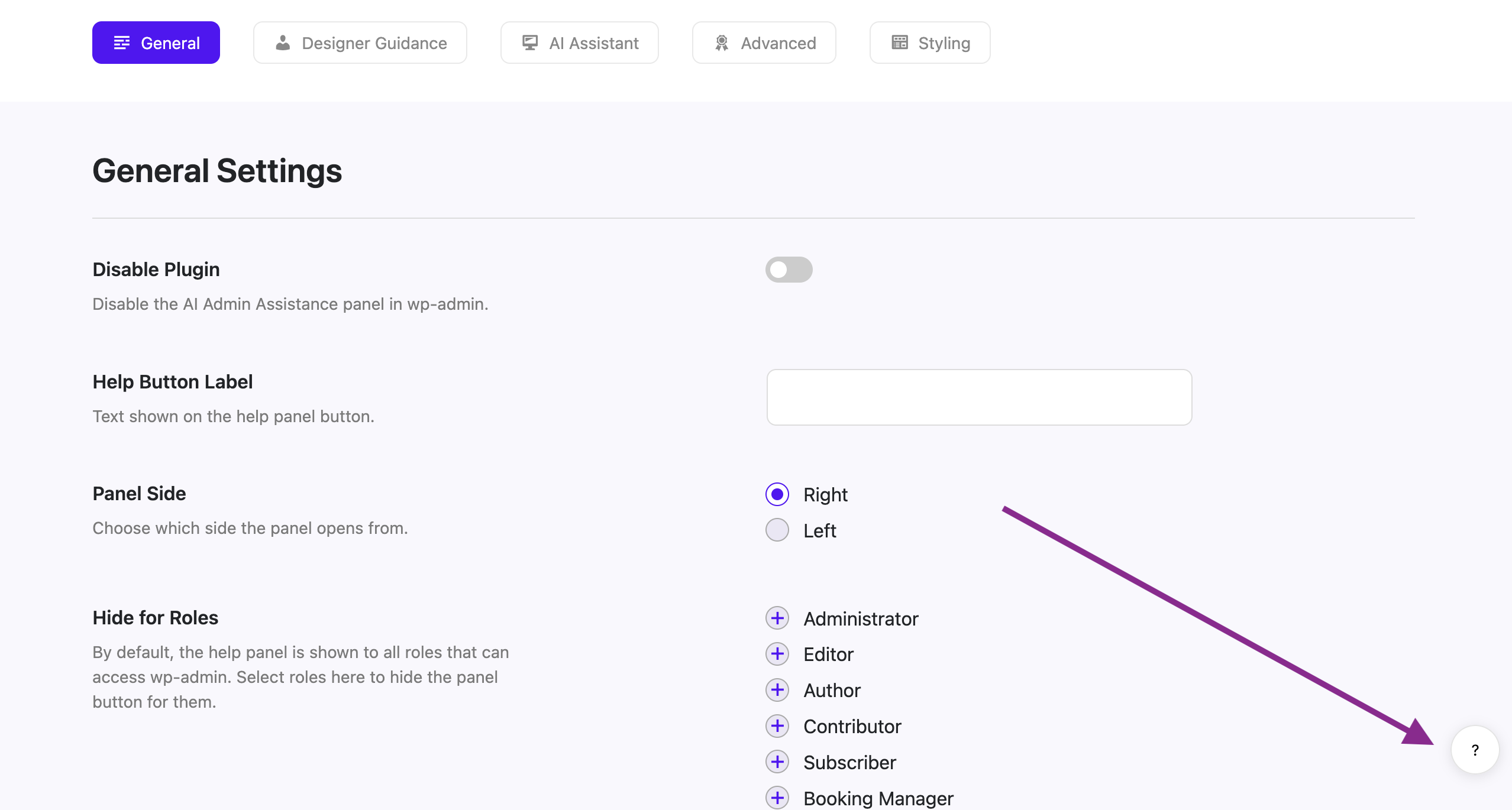
When you activate the plugin, it automatically enables the panel everywhere in your WordPress admin. This is output as a small round floating button that shows by default in the bottom right corner of all screens in the WordPress admin.
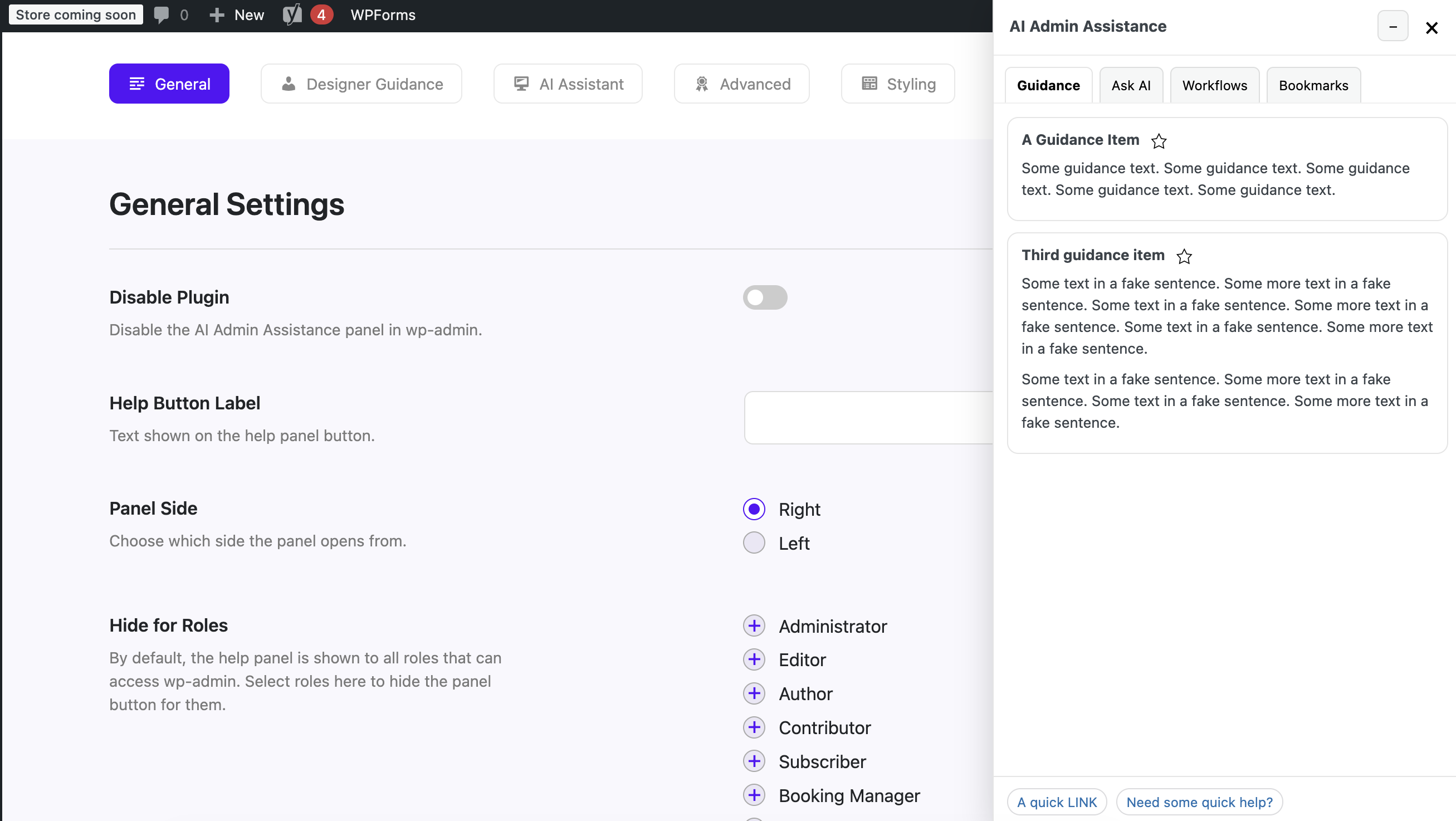
When you click this button, it opens the main admin assistance panel.
Configure
Go to the General tab of the plugin settings page to configure the main panel options. There you will find the following options:
- Disable Plugin: Use this option if you would like to turn off the help button and panel.
- Help Button Label: Here you can set something else to display as the text/label/icon on the help button, instead of the default question mark.
- Panel Side: You can change it to the left side, if you want.
- Hide for Roles: Use this option to hide the button and panel only for specific WordPress user roles.