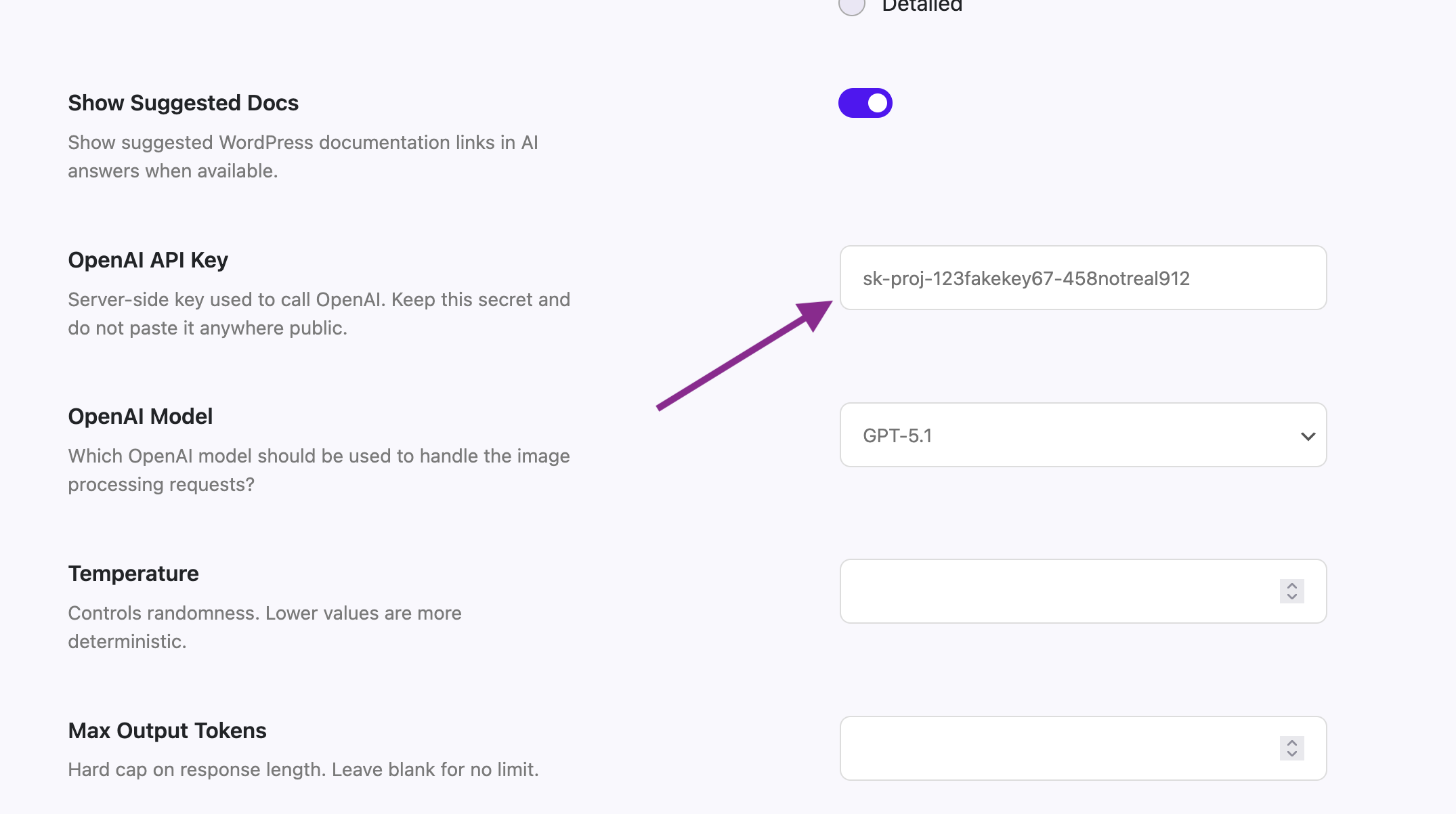
Once you have your OpenAI API key, you can insert it in the plugin settings by opening your WordPress admin, going to Admin Guidance, then to Settings and then to AI Assistant. Scroll down a bit on that page and you will find the OpenAI API Key option. Insert the key there.
You can also use the OpenAI Model option, via which you can choose GPT-3.5 Turbo, GPT-4o, GPT-4.1, GPT-5 Mini, GPT-5 or GPT-5.1. Make sure to scroll down and save the settings page.