
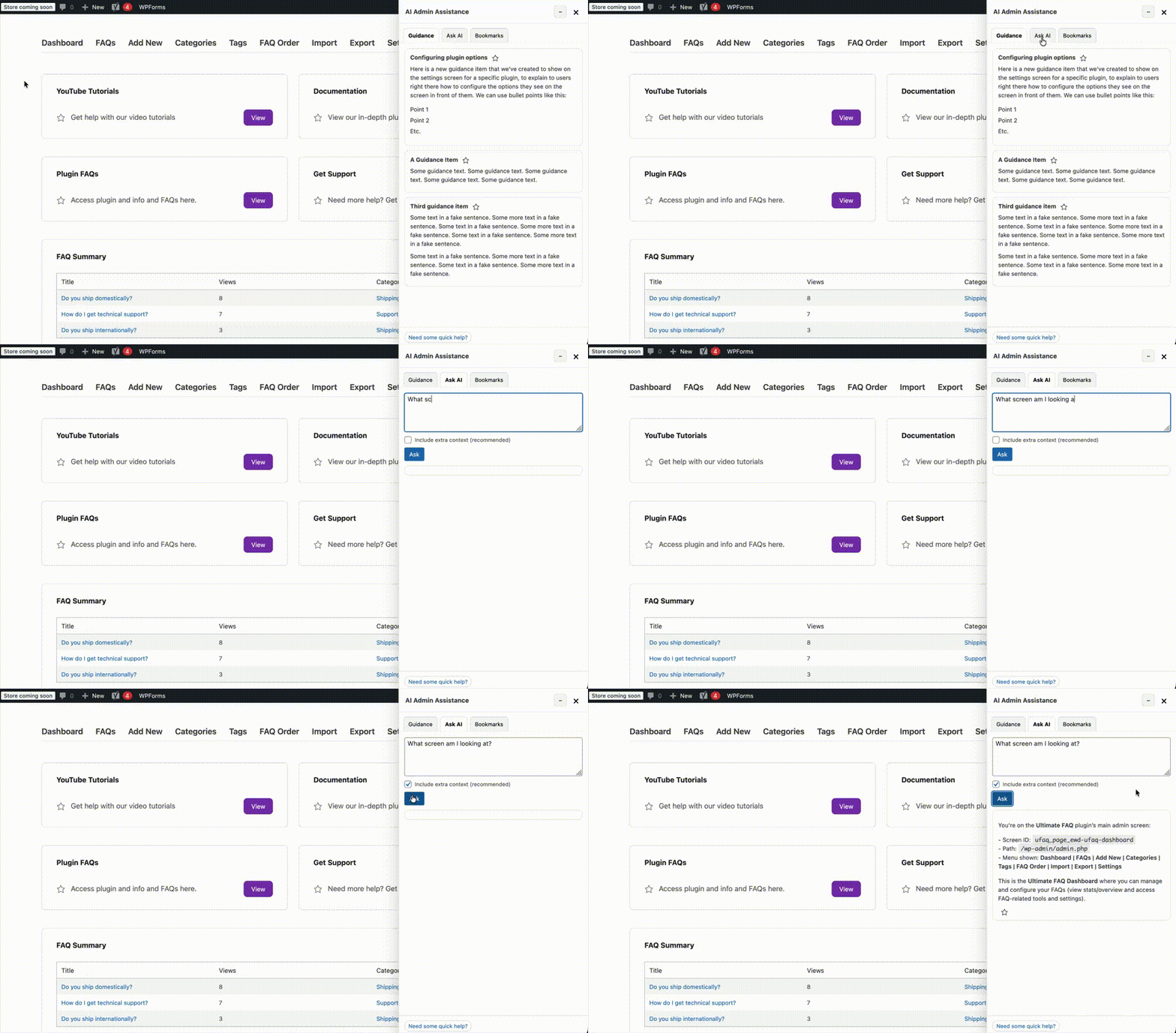
The plugin comes with a powerful, built-in AI Assistant that shows in the Ask AI tab in the panel, and via which users can ask for info and help. It captures and uses all the data that it sees on the current screen to return meaningful results, help and suggestions.
OpenAI API Key
While this feature is enabled by default, you need to add your OpenAI API key to make it work properly. We’ve prepared tutorials explaining how you can get a key and add it to the plugin here:
Configuration
In addition to being able to disable the Ask AI tab from the panel, several extra configuration options are available in the AI Assistant tab of the plugin settings page. These are:
- AI Hide for Roles: By default, AI is available to all roles that can access wp-admin. Select roles here to hide the “Ask AI” tab and block AI usage for them.
- Response Style: How detailed AI answers should be.
- Show Suggested Docs: Show suggested WordPress documentation links in AI answers when available.
- Temperature: Controls randomness. Lower values are more deterministic.
- Max Output Tokens: Hard cap on response length. Leave blank for no limit.
- Language: Choose the response language, or leave on Auto to follow the user’s language.