With the pro version of our WordPress AI Admin Assistance Plugin, you can export settings and/or guidance and/or workflows, so you can easily import them into another site, speeding up your ability to create guidance on all the sites that you develop.
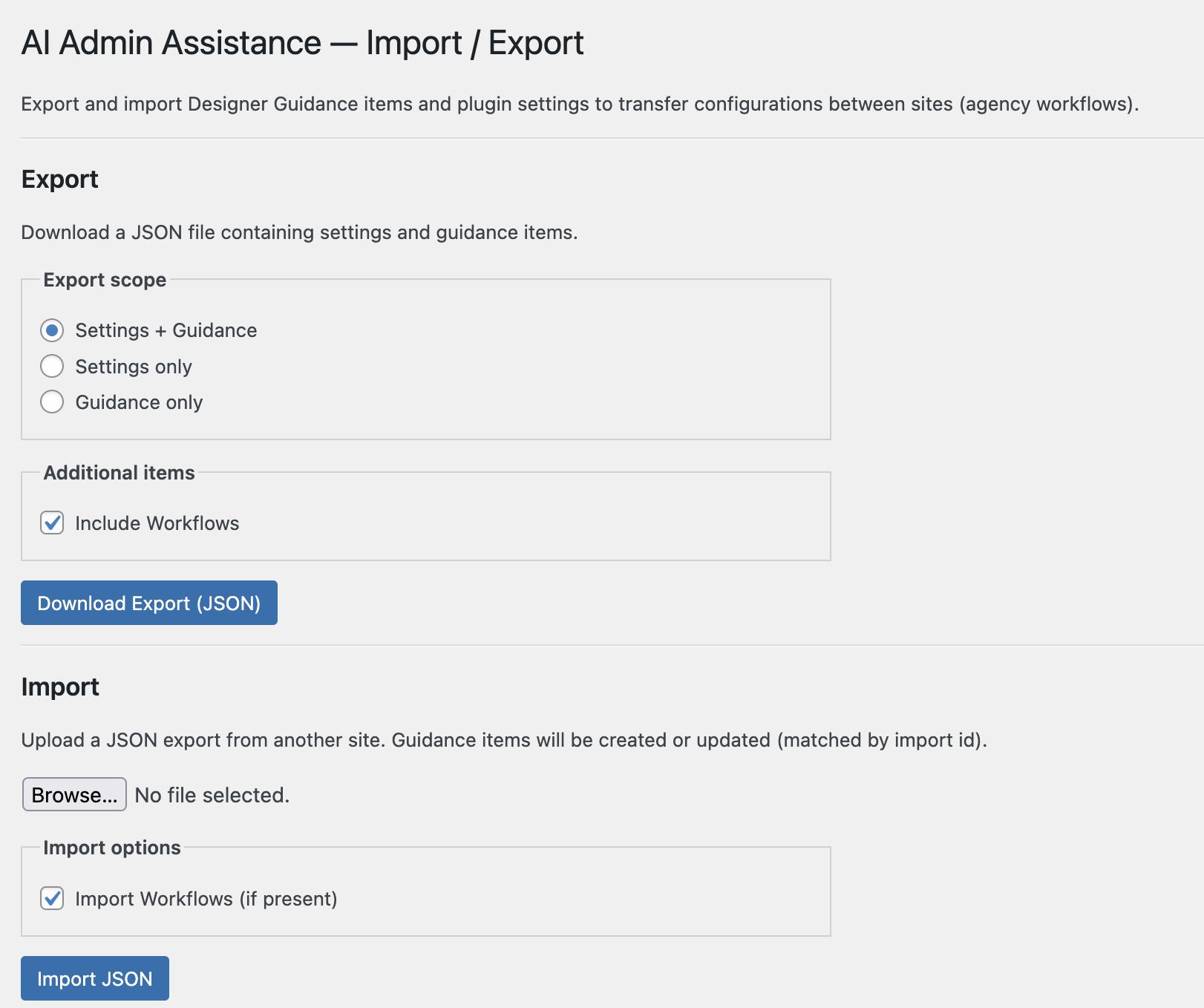
To access the import/export screen, in your WordPress admin, go to Admin Guidance > Import / Export. There you will see the following:
Export
You can choose to export settings or guidance, or both. There is an extra option to include workflows, if those are available.
Your export will be in JSON format.
Import
On a new site, just install this plugin and then visit the same menu area (i.e. Admin Guidance > Import / Export). Browse for the appropriate JSON file, choose whether or not you want to include workflows, and then click the Import JSON button.
You can also use the import feature to edit/overwrite guidance on an existing site.